Surreal DB Import
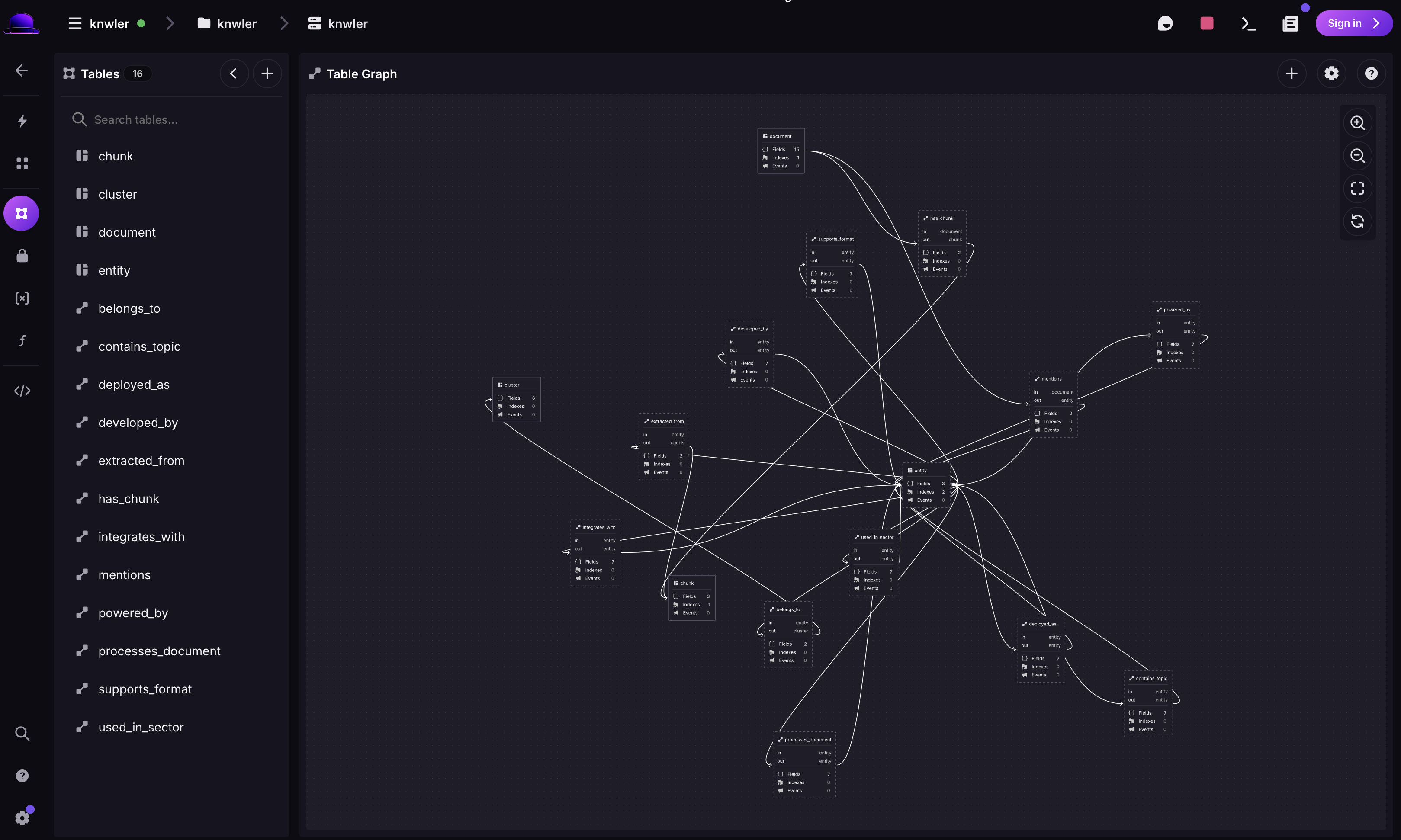
You can install SurrealDB in diverse ways and the Surrealist is a handy way to manage Surreal data. Via Surrealist you can spin up a playground instance to import a Knwler extraction. If you prefer a more permananent database you can also use Docker:
docker run -d --name surreal --pull always \
  -p 8800:8800 \
  -v ~/surreal:/data \
  surrealdb/surrealdb:latest \
  start --log debug --user root --pass root \
  --bind 0.0.0.0:8800 rocksdb:/data/trigger.db
If you installed it via brew you can start an instance like so:
surreal start --user root --pass root rocksdb:~/surreal/Change the data volume or database directory as needed. Surreal has an usual namespace/database/user system, make sure you log in with the correct channel.
From here on we’ll assume that Surreal runs on port 8000 and the login is root/root. If you want to completely wipe the content of the database you can simply delete the data dir and restart the server since Surreal does not have a global ‘clear’.
Import your extraction with
knwler export surrealdb ~/knwler.com/graph.jsonthe mandatory arguments is the path to the json file which was created via a Knwler extraction. You can see all optional arguments via knwler export surrealdb --help.
The surrealdb package is an optional dependency in Knwler. If the import complains that it is not installed, simply uv add surrealdb or uv sync --all-groups.